
Authentication, Keys & Envelope Encryption
DNS Worker implements defense-in-depth zero-trust security standards across both its backend resolution pipelines and Web Dashboard. This guide details the authentication protocol, key rotation mechanics, and security environment variables.
1. Web Dashboard Zero-Trust Authentication
Section titled “1. Web Dashboard Zero-Trust Authentication”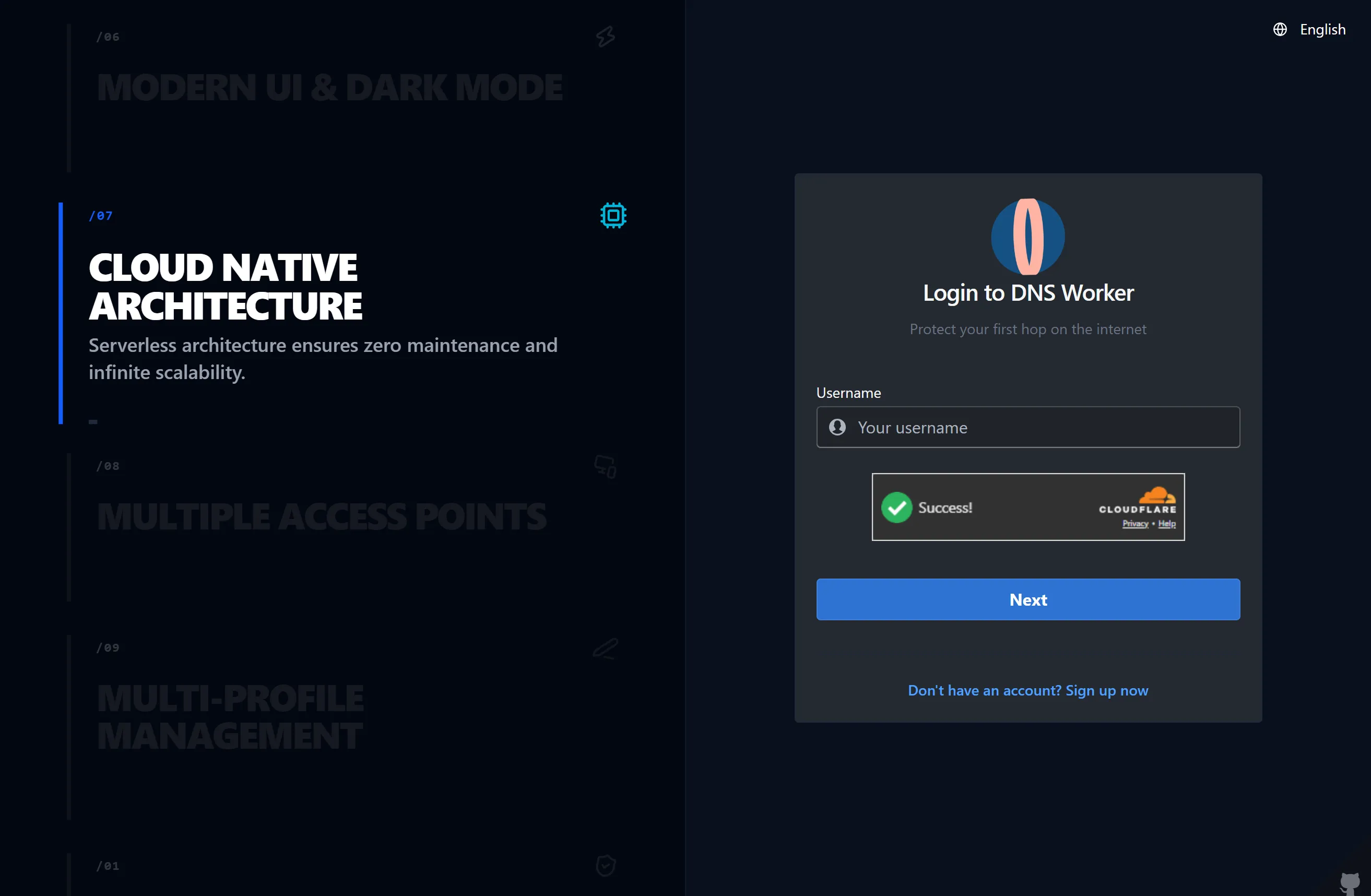
The Web Dashboard adheres to the WebApp Trust architectural framework:
[ Browser Client ] [ DNS Worker Server ] │ │ │── 1. POST /api/auth/login (Password + Nonce) ─────────▶│ │ │ (Argon2 / PBKDF2) │◀── 2. Access Token (Memory) + Refresh Token (Cookie) ──│ │ │ │── 3. Authenticated RPC (Authorization: Bearer) ───────▶│ │ │ │── 4. POST /api/auth/refresh (RTR Grace Window) ───────▶│ │ │ (Issues New Pair) │◀── 5. Rotated Access Token + Rotated Refresh Token ───│Key Security Defenses
Section titled “Key Security Defenses”- Hardware Passkeys (WebAuthn): Biometric authentication (Touch ID, Face ID, Windows Hello, YubiKey) ensures phishing-resistant credentials.
- Nonce Anti-Replay: Every sensitive state modification includes a cryptographic nonce to prevent replay attacks.
- Non-Extractable Web Crypto Keys: Client-side cryptographic operations (such as PQC ML-KEM and AES-GCM log decryption) use non-extractable Web Crypto API handles in isolated Web Workers.
- Refresh Token Rotation (RTR): Refresh tokens are single-use. When a refresh token is exchanged, a new token is issued and the previous token is invalidated.
- Concurrency Grace Period: Concurrent requests from multiple browser tabs during token rotation are accommodated within an atomic grace window (
RTR_GRACE_WINDOW_MS) to prevent accidental logouts.
2. Envelope Encryption (DEK / KEK) Architecture
Section titled “2. Envelope Encryption (DEK / KEK) Architecture”Configure your master security keys, Passkeys, and Post-Quantum E2EE directly in the Account & Security Settings card:
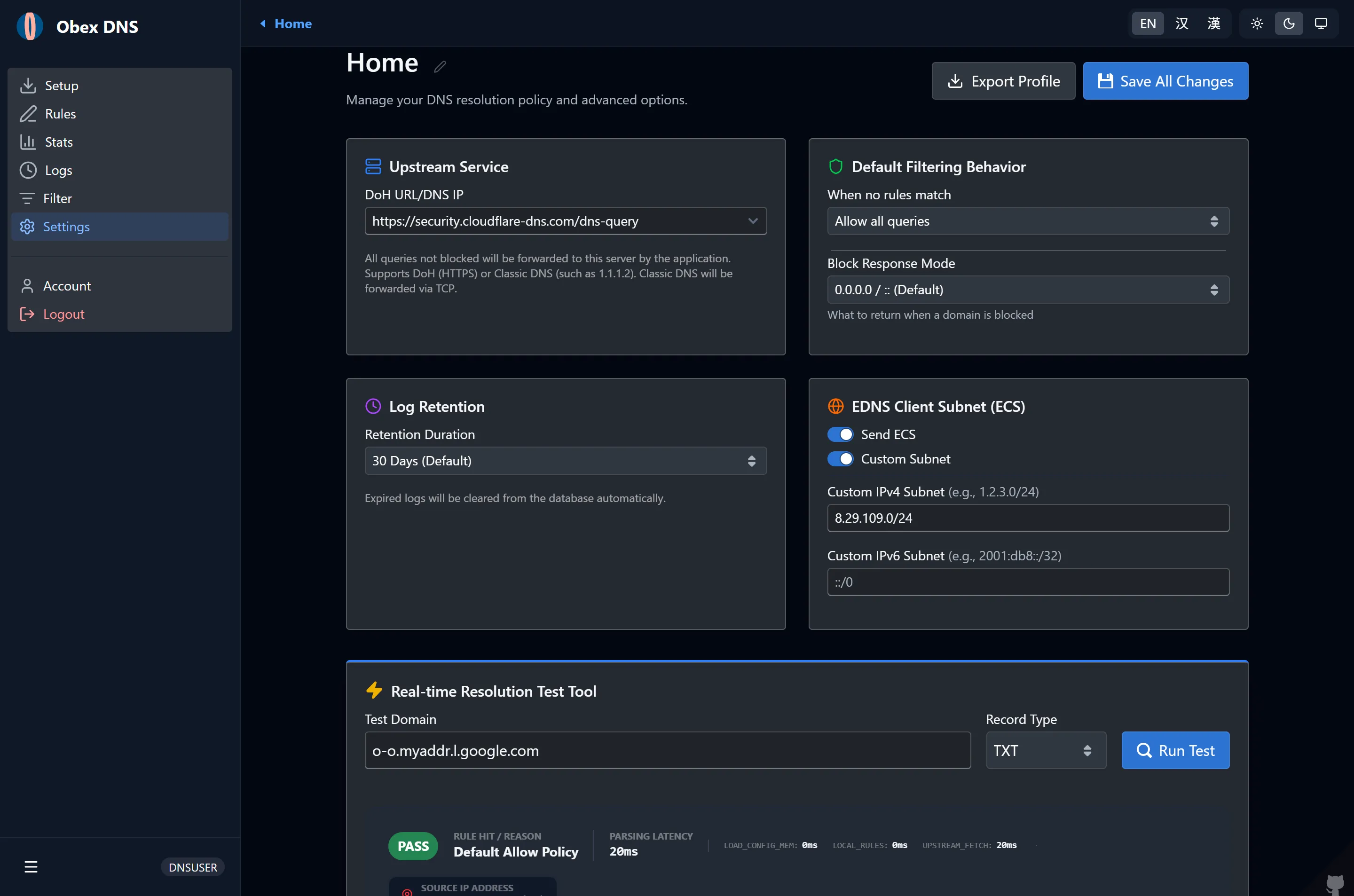
Sensitive data at rest — including client session tokens and private query logs — is protected using two-tier envelope encryption:
┌────────────────────────────────────────────────────────┐│ Key Encryption Key (KEK_v1 / KEK_v2) ││ (Stored securely in environment variables or secrets) │└────────────────────────────────────────────────────────┘ │ (Encrypts / Decrypts) ▼┌────────────────────────────────────────────────────────┐│ Data Encryption Key (DEK) ││ (Generated per log batch or session record) │└────────────────────────────────────────────────────────┘ │ (Encrypts / Decrypts) ▼ [ Sensitive Data / Payload ]Versioned Key Rotation Without Downtime
Section titled “Versioned Key Rotation Without Downtime”- The server loads the latest key version (
KEK_v2) for all newly written data. - Older records encrypted with
KEK_v1or legacyJWT_SECRET(v0) remain transparently decryptable. - As records are updated or maintenance cycles execute, data is re-encrypted with the active KEK version in flight.
3. Security Environment Variables Reference
Section titled “3. Security Environment Variables Reference”Configure these variables in .env (Serverfull) or as Cloudflare Workers Secrets (wrangler secret put <NAME>).
JWT_SECRET
Section titled “JWT_SECRET”- Type:
string(minimum 32 characters) - Role: Root secret for legacy token signing and KEK_v0 envelope fallback.
- Security Requirement: Must be cryptographically randomized. Never use predictable strings.
- Generation:
Terminal window openssl rand -base64 32
KEK_v1, KEK_v2, …
Section titled “KEK_v1, KEK_v2, …”- Type:
string(minimum 32 characters) - Role: Versioned Key Encryption Keys for envelope encryption.
- Usage:
The system automatically detects the highest numbered version (KEK_v1=c3VwZXJzZWNyZXRrZXl2MWV4YW1wbGUxMjM0NTY3ODk=KEK_v2=bmV3ZXJzZWNyZXRrZXl2MmV4YW1wbGUxMjM0NTY3ODk=
v2) as the active encryption key while retaining older versions for decryption.
SERVERFULL_API_KEY
Section titled “SERVERFULL_API_KEY”- Type:
string - Role: Bearer API token for programmatic administration and Cloudflare Worker to Serverfull RPC.
- Header:
Authorization: Bearer <SERVERFULL_API_KEY>.
ADMIN_PASSWORD
Section titled “ADMIN_PASSWORD”- Type:
string - Role: Initial administrator password for the Web Dashboard on first deployment. Once created, credentials are stored securely in the database.